You do not need to start with a new phone or a bag of accessories to improve your outfit photos. A cleaner lens, a thoughtful camera position and a few minutes with the light often make a more noticeable difference than a dramatic filter. Try this repeatable routine before your next photograph.
Start with a clean lens and a quiet background
Use a clean, soft lens cloth to remove fingerprints. Then look behind the person you are photographing: a doorway, sign or cable can appear to grow out of their head. Move a step to the side or choose a simpler wall. Give the subject some distance from the background so the scene feels less crowded.
Find soft, even light
Open shade outdoors or daylight near a window is a useful starting point. Avoid placing your subject partly in bright sun and partly in shadow if you want clothing details to be easy to see. Indoors, try turning off a strongly coloured lamp when daylight is already doing the job.
Take one test photo and inspect the face and the lightest fabric. If a white sleeve has lost all its detail, reduce the exposure slightly using your camera’s controls if available. The exact gestures differ by phone, so use the controls your camera app provides.
Keep the phone level
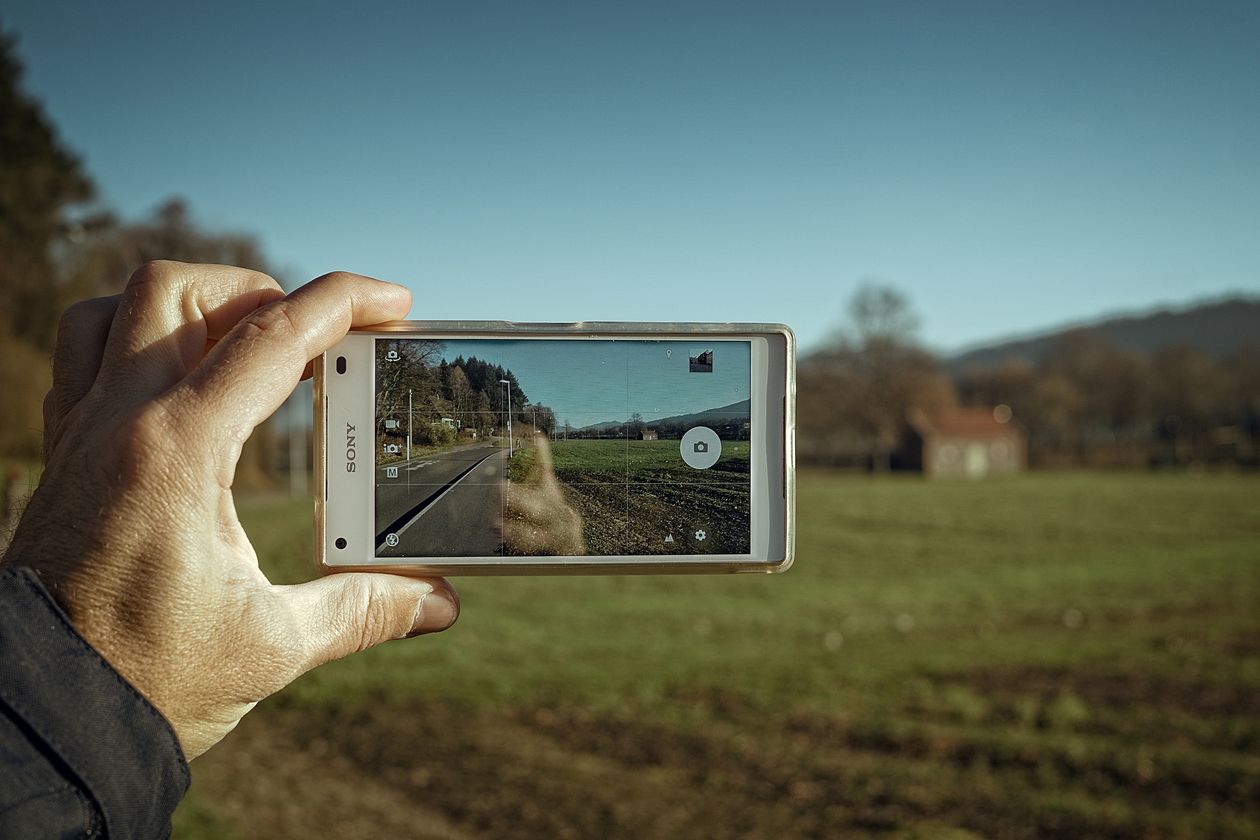
For a full outfit, step back enough to leave space around the shoes and head. Keep the phone approximately upright instead of tilting it sharply up or down. A very wide view from close range can exaggerate proportions, especially near the edges. Moving back and using the main camera is often a more natural starting point than squeezing everything into an ultra-wide shot.
Make a small shot list
- One full-length photograph to show the outfit.
- One closer frame for fabric, jewellery or another detail.
- One relaxed frame with a small movement, such as a step or a turn.
Take several frames, but pause to inspect them rather than collecting dozens of identical mistakes. Check focus, closed eyes, distracting background objects and the edge of the frame. Ask permission before photographing someone or posting their image.
Edit gently, then stop
Begin with straightening and a small crop. Adjust brightness and colour only as much as the image needs. Heavy smoothing or extreme colour shifts can make fabric and skin look unnatural. Save an unedited original so you can change your mind later.
Repeat the same setup a few times. Learning one dependable location and lighting condition is more useful than buying an accessory before you know what problem it needs to solve.
Explore more ideas in Technology, or read how we approach our content.